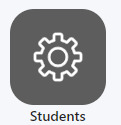
- In Settings to to Students
2. On the top right corner click on More options
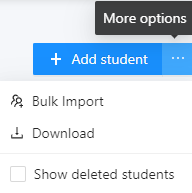
3. Then select Bulk Import

4. Select a folder you wish to add your candidates/students to

5. Type de Email, Name, Username and temporary Password for your examinees, as exemplified in the Format

6. After all examinees have been added, press Confirm
