- In Settings go to Student Folder
2. On the top right corner, click on Add folder

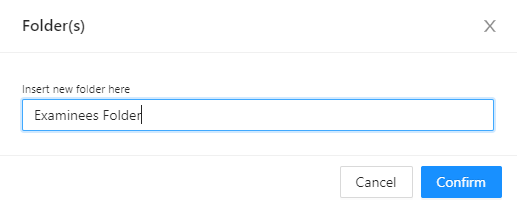
3. Type the name of the new folder you want to create and press Confirm
4. Your new folder will appear on the Student Folders page

2. On the top right corner, click on Add folder
3. Type the name of the new folder you want to create and press Confirm
4. Your new folder will appear on the Student Folders page