- Inside Quiz go the Exam Schedule
2. Click on More options and select Exam monitoring

3. If the exam has already ended and all examinees have taken the exam, you can finish the exam by clicking on Finish, at the end of the page

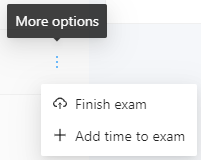
4. In case some examinee has not taken the exam, it is necessary to manually complete their exam. Click on More options and select Finish exam