- Inside Quiz go to the Exam Shedule
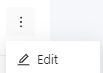
2. Click in More options

3. Select Edit
4. Click in Schedule

5. Locate the check-in toggle button on top of the page and click on it to activate this function

6. After the switch is toggled on, it should appear like this

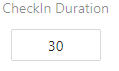
7. Then set the time necessary for the check-in