- In Quiz go to Check in
2. Type the code that you were assigned
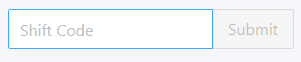
3. Then click Submit

4. The check-in page will then be presented
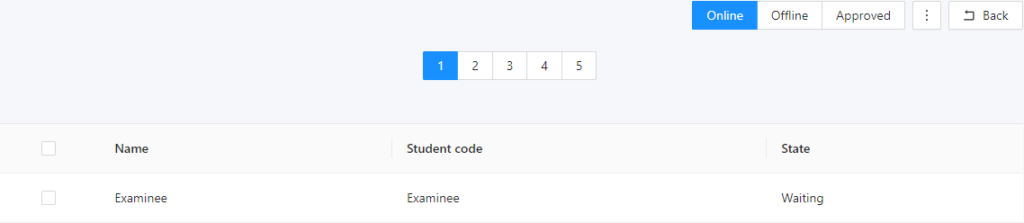
5. On the online tab, the students who are waiting for approval will appear

6. Select an examinee

7. Then press Validate selected

8. The selected examinee will now be visible, and you can decide to approve or disapprove
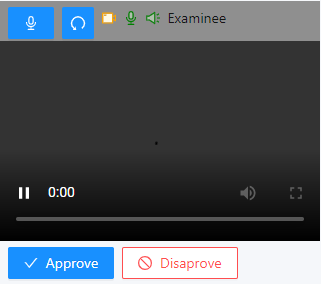
9. Click on Approve and the examinee will be eligible to take the exam
10. If you click on Disapprove, the examinee can still be approved later
