- Inside Quiz go to the Exam Shedule
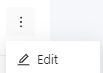
2. Click in More options

3. Select Edit
4. Click in Schedule

5. In Shifts, click on the blue pencil icon

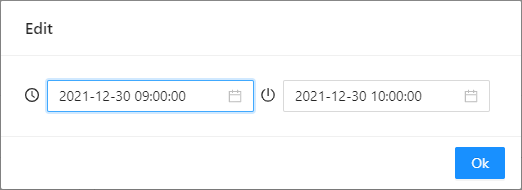
6. Select the start date for the call and the end date, respectively. Then click Ok
7. Then click Save

2. Click in More options
3. Select Edit
4. Click in Schedule
5. In Shifts, click on the blue pencil icon
6. Select the start date for the call and the end date, respectively. Then click Ok
7. Then click Save