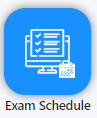
- Inside Quiz go to the Exam Shedule
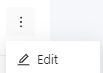
2. Click in More options

3. Select Edit
4. Click in Schedule

5. In Shifts, click on Add Students

6. Search for the desired students in 1 or select a folder containing the students on 2
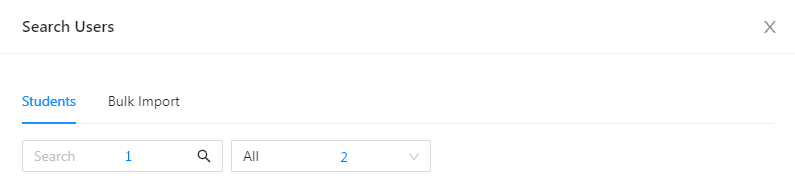
7. Select the students by clicking on the checkboxes

8. Click on OK when all the students are selected

9. Then click Save
